Connection to Pebble and Pebble Time
Pair your Pebble watch to your phone.
- On your phone go to Settings > Bluetooth
- On your phone select your Pebble and pair
- On your Pebble go to Settings > Bluetooth
- On your Pebble select your phone and pair

- Download the Pebble or Pebble Time app from Google Play
- Search for Ski Tracks companion app on the Pebble store
- On Ski Tracks go to Menu > Settings > Activate your Pebble > ON
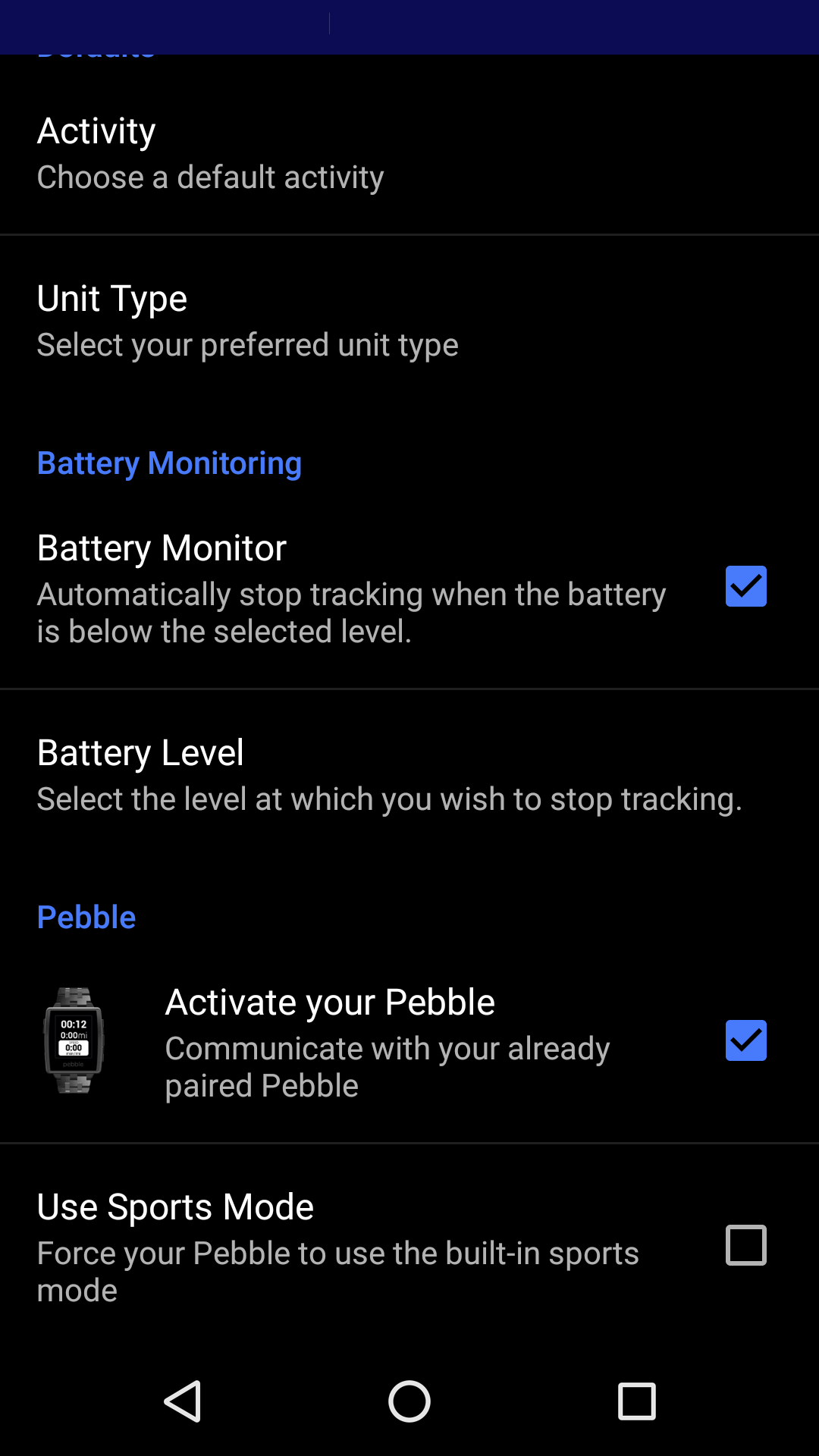
You can view Ski Tracks in Sports Mode. Ski Tracks uses the application already built into Pebble for displaying sports information. If this is turned to NO you will use the Ski Tracks Pebble app which is downloaded and installed separately onto the watch via the Pebble store. When you use the Ski Tracks pebble app you can view more statistics on your Pebble.

Please note: If your watch has previous connection to another phone please Forget the watch on the phone and Forget the phone on the watch.
https://corecoders.zendesk.com/